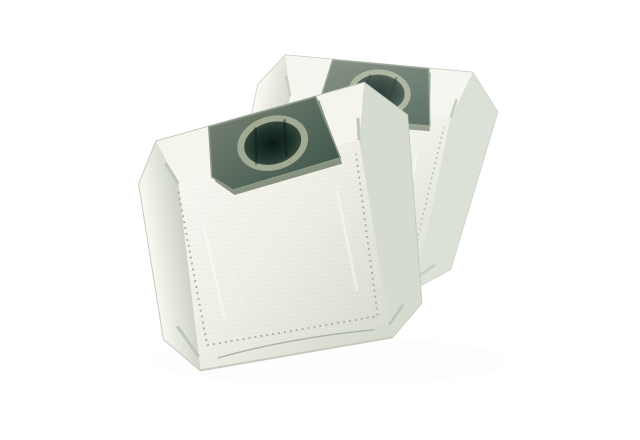
Vacuum Dust Bags
A fresh start for your cleaning routine. Match the bag to your vacuum or collection station.
Check the right fitThe MITATTOK collection
From a fresh vacuum bag to the pen at your fingertips. Explore accessories for your home, your workspace, and the devices you use.
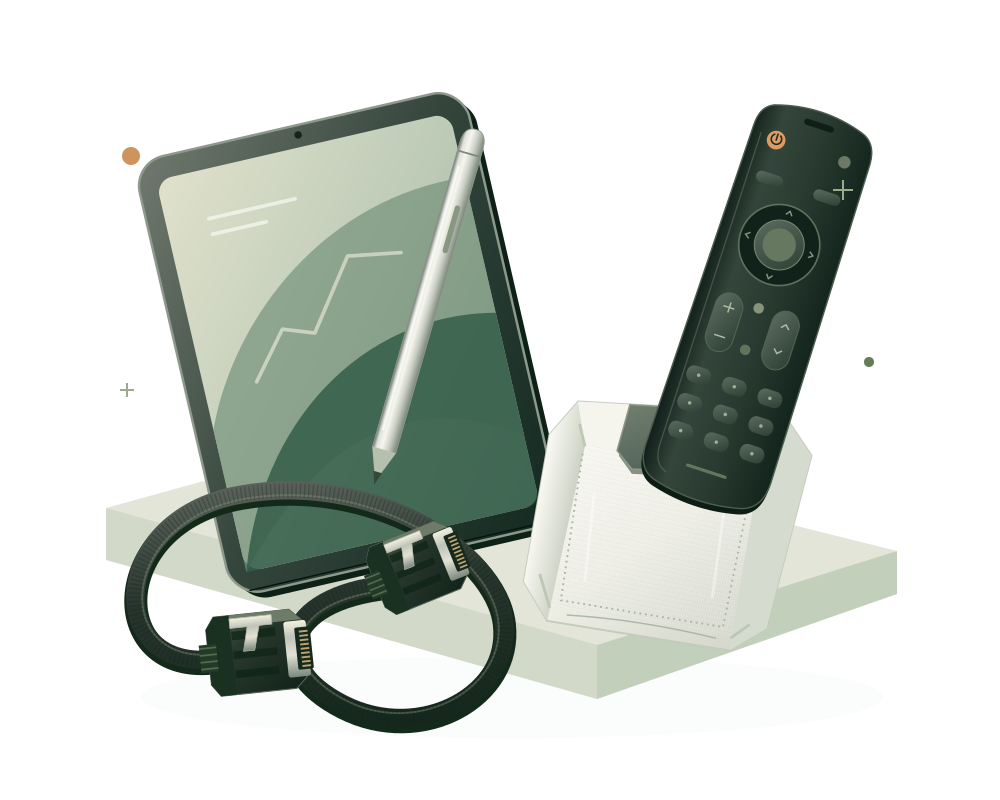 Home essentials.
Explore the collections
Four focused categories, from household upkeep to connected technology. Begin with the accessory you need.
A fresh start for your cleaning routine. Match the bag to your vacuum or collection station.
Check the right fit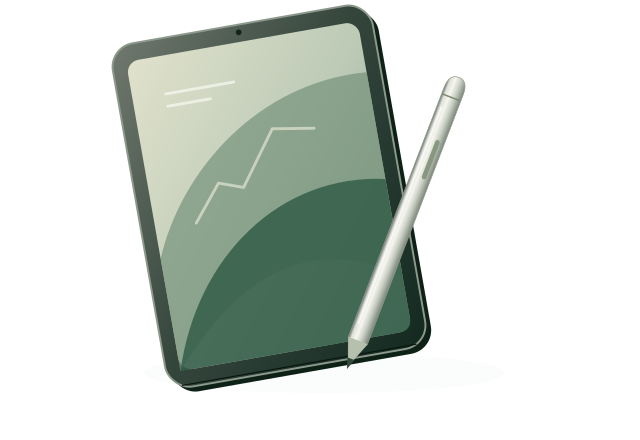
For notes, ideas, and everyday input. Start with your device model and supported pen technology.
Check the right fit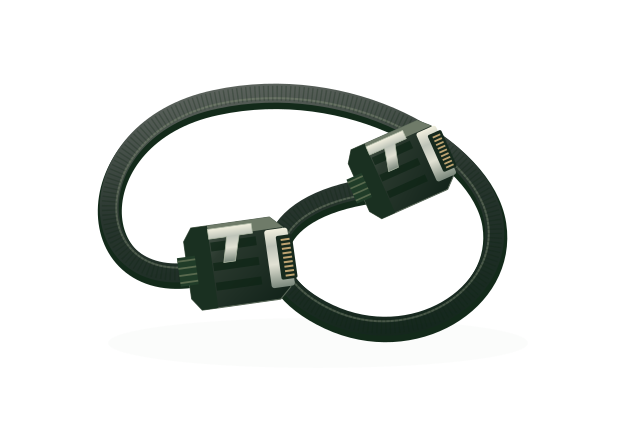
Connections for your storage setup. Compare both ends, cable direction, and system requirements.
Check the right fit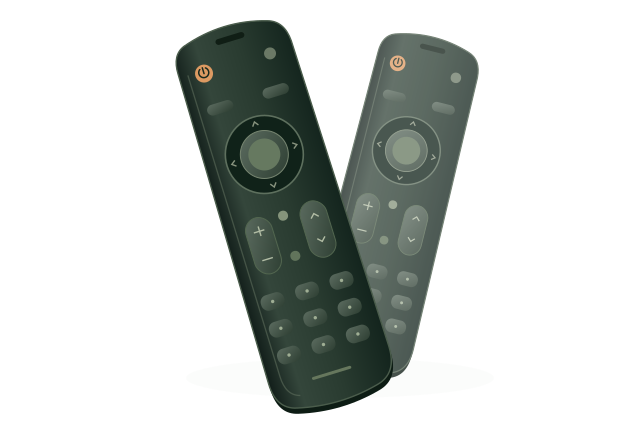
Back to the controls you reach for. Compare your TV model, remote reference, and required functions.
Check the right fitCategory illustrations are representative. Product appearance, features, and compatibility depend on the specific item.
A little checking goes a long way
A similar shape or familiar name is only the beginning. Choose a collection for a practical checklist to use before you buy.
Start with the model on your vacuum or collection station.
The device model and pen technology belong together.
Check the complete connection, from host to device.
A matching TV brand alone does not confirm compatibility.
Our approach
MITATTOK brings together accessories for home care and personal technology: vacuum dust bags, laptop and tablet styluses, Mini SAS cables, and TV remote controls.
We believe choosing an accessory should begin with a clear understanding of what you need and what it fits. Our collections and guides give you a practical place to start.
Find your way straight to the type of accessory you are looking for.
Check the details that matter for your particular device or setup.
Before you choose
A clearer starting point for selecting your next accessory.
Start with the exact device model or connector reference. Compare it with the compatibility information in the specific product listing and your device documentation. The checklists above explain what to look for in each collection.
No. Check the exact device model and the pen technology it supports. Features such as pressure input or buttons also depend on the particular device and stylus. A touchscreen alone does not establish compatibility.
Identify both connector ends, the required cable direction, and the host and device connections. Then check the system's interface and wiring requirements, cable length, and connector orientation against the specific listing.
No. They illustrate the four product categories. Use the images, specifications, included items, and compatibility information in the specific product listing when assessing an item.
This website introduces the MITATTOK collections and offers compatibility guidance. It does not currently provide an online checkout. For an item you have found in a sales listing, refer to that listing for price, availability, delivery, and support.
Explore the collections. Check the details. Start with the right fit.